No. 08 · Section · v1.0.0
Reel
Watch it, then wear it.
Portrait video cards with the product, its price and a bag button. Up to three products per clip.
Code complete · live Shopify store test pendingPreview shown with demonstration products and imagery from a fictional store, to show how the section can look once installed and configured. Included files and features are detailed below. The demo bag doesn't touch your Maisonblock bag.
What it does
Reel is a swipeable row of portrait videos. Each clip plays muted only while it is on screen and carries its lead product with price and a bag button. Clips with several products open a side-by-side view.
Features
- Videos from your own Shopify files
- Plays only while on screen
- Real sale badge from compare-at prices
- Add to cart without leaving the page
- Up to three products per clip
- Arrows, swipe and scroll progress
You'll need
- Portrait MP4 videos uploaded to Content > Files
Configuration options
Every setting this piece adds to the theme editor, read straight from its code; up to 12 blocks.
| Theme-editor setting | Type | Default |
|---|---|---|
| Heading | text | Watch it, wear it |
| Subheading | text | Tap the bag to shop what's in the video |
| Clips per row (desktop) | range | 4 |
| Background | color | #f3efe9 |
| Button and badge colour | color | #16130F |
| Each “Clip” block | ||
| Video (portrait, MP4) | video | — |
| Caption (also read by screen readers) | text | — |
| Lead product | product | — |
| Product 2 (optional) | product | — |
| Product 3 (optional) | product | — |
Screens
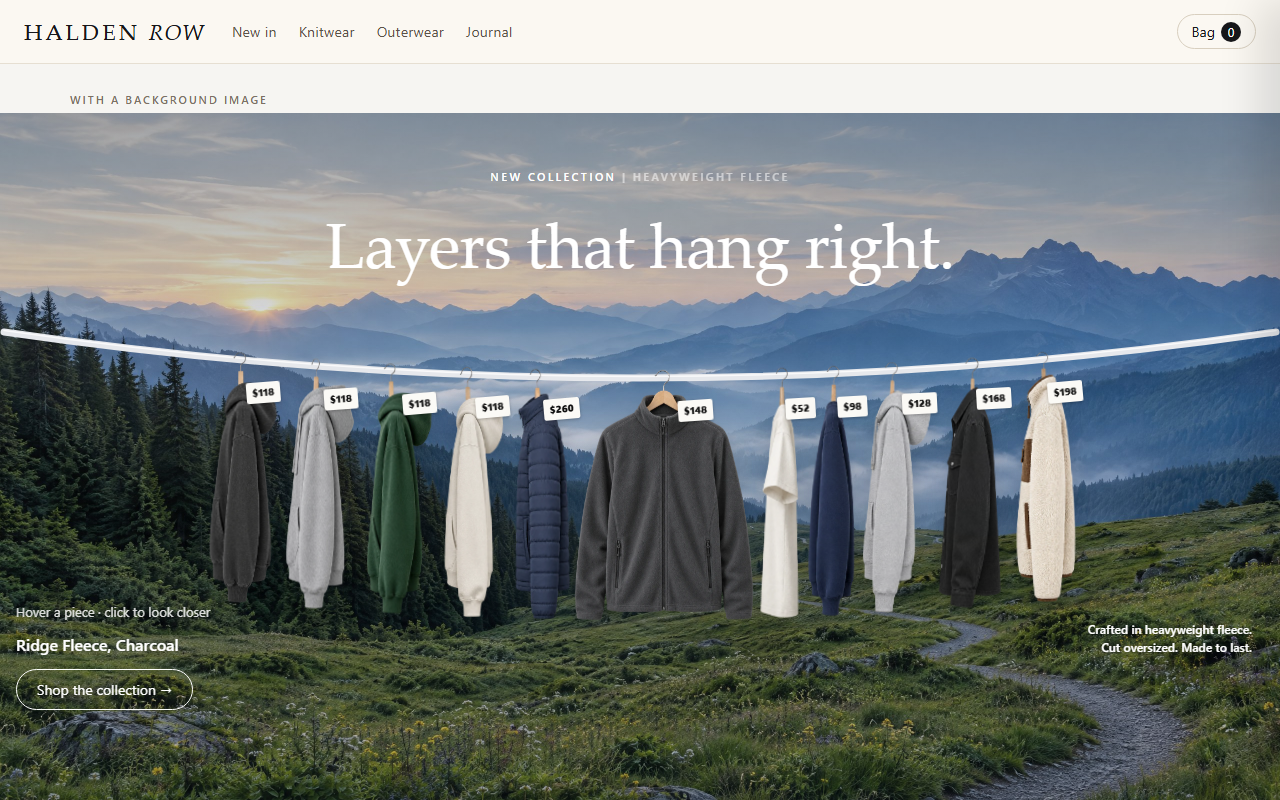
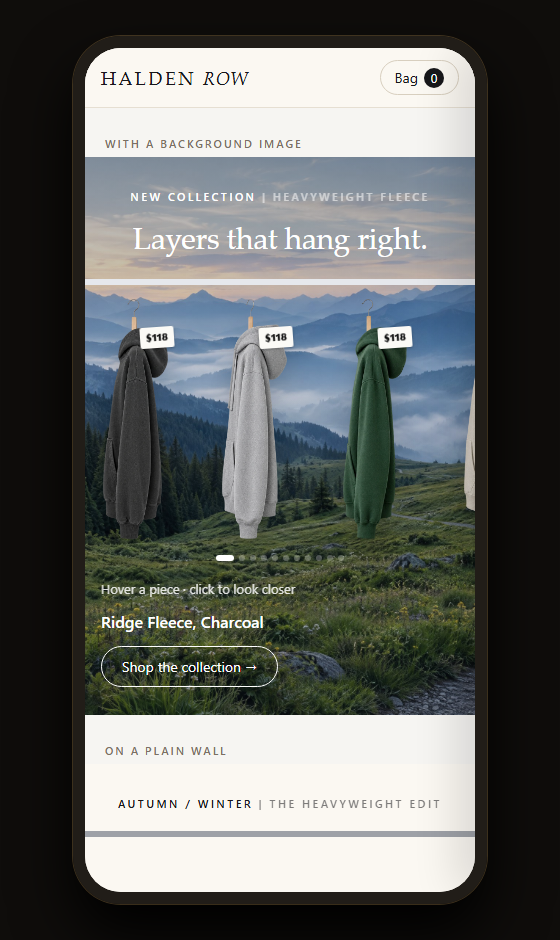
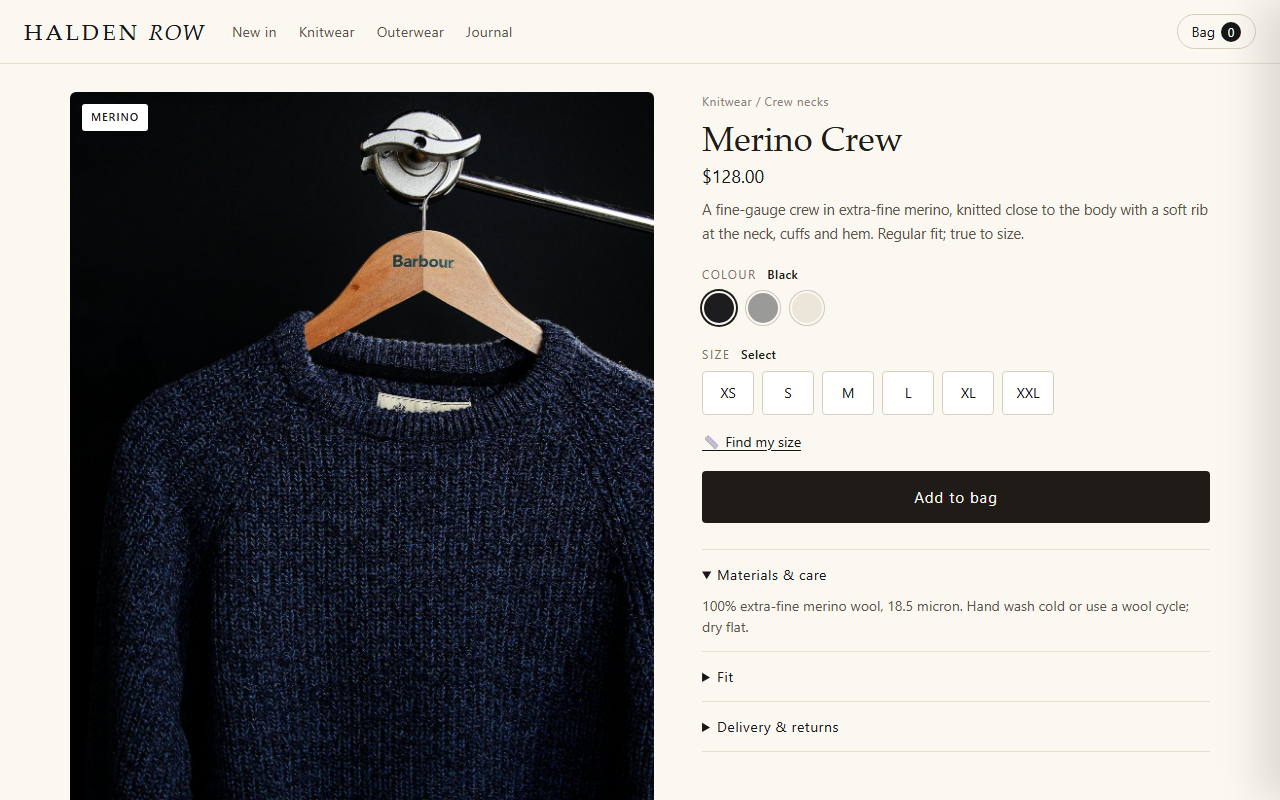
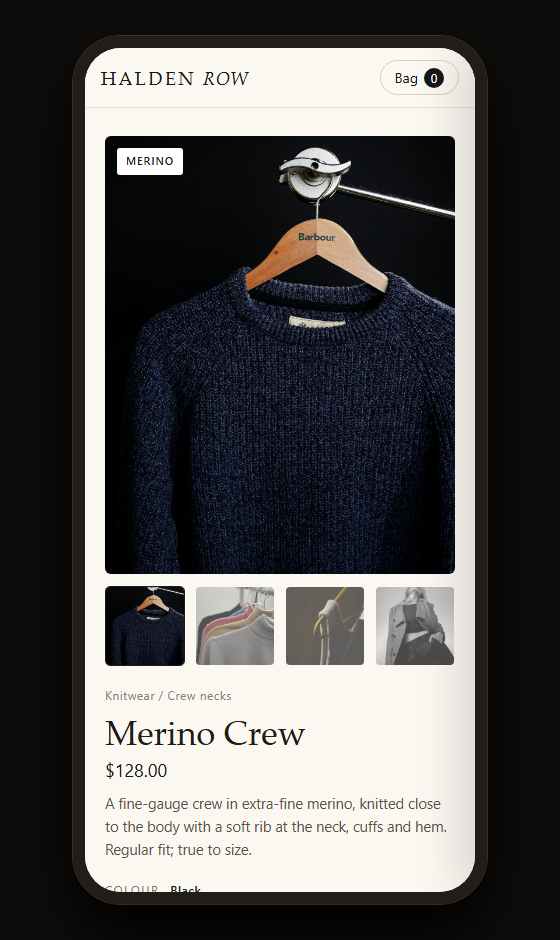
On desktop and phone
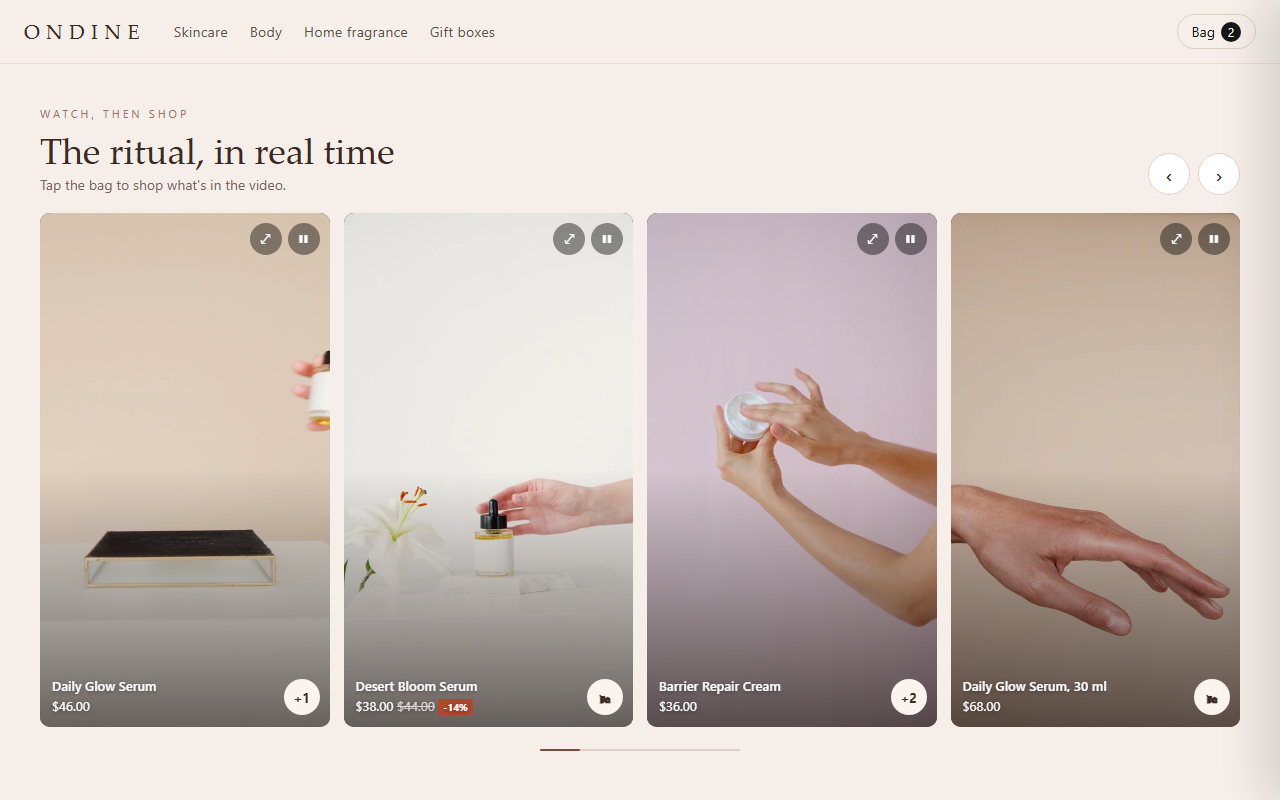
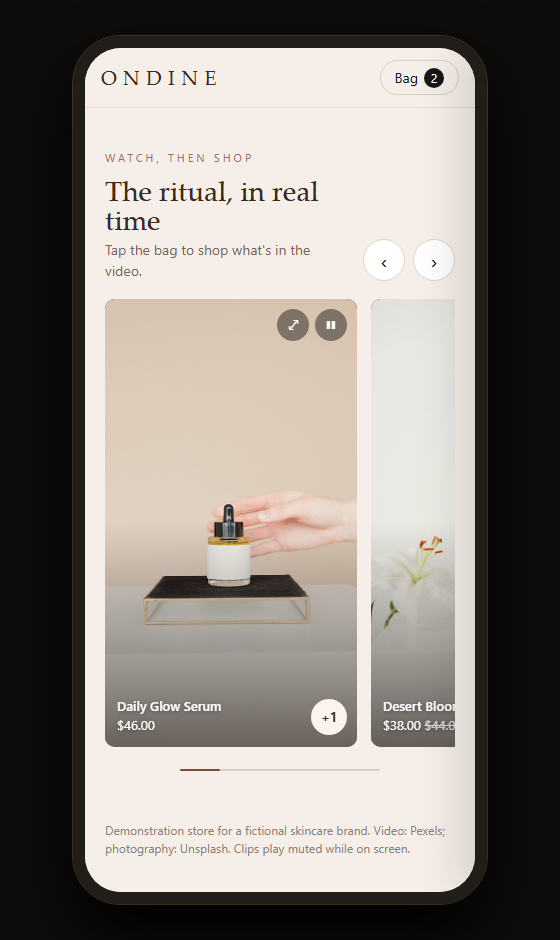
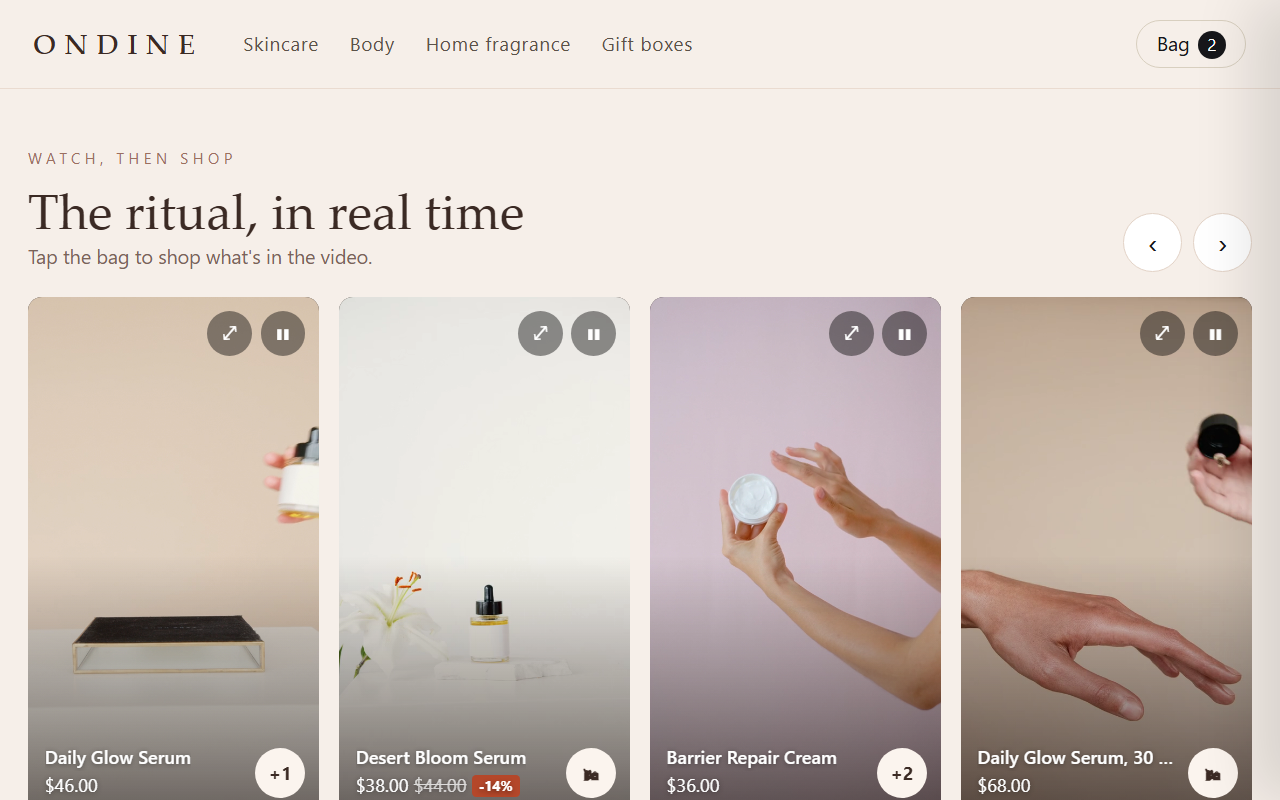
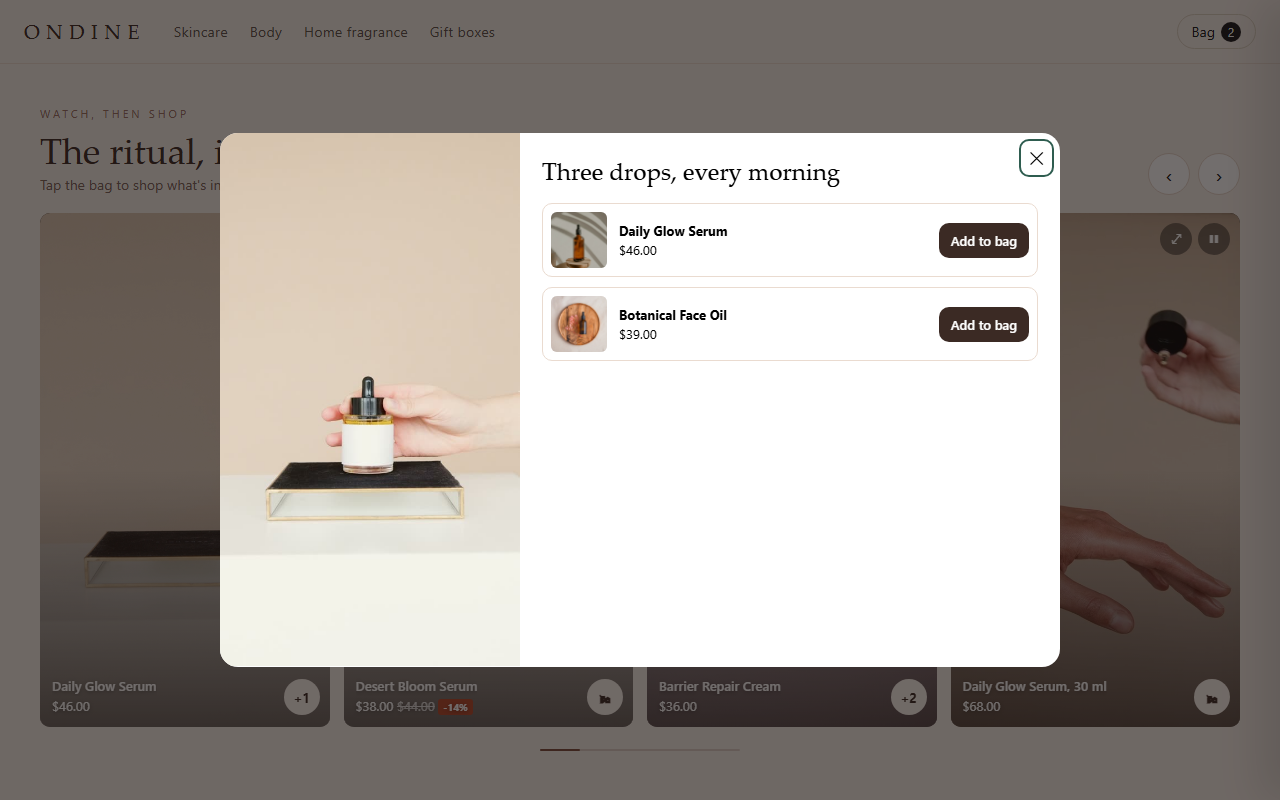
Every image is a capture of the live demo above, unedited. Demo store, products and photography are examples (photos: Unsplash and Pexels).
Questions about Reel
Where do the videos live?
In your own Shopify files. No video host or app is needed.
More from the house